






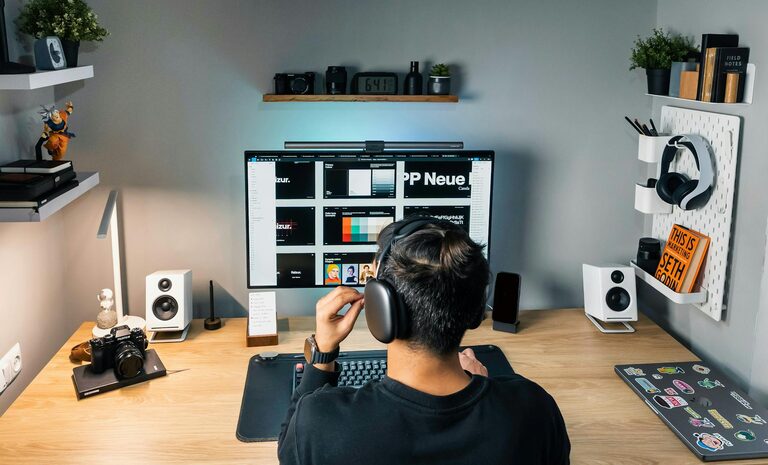
Creating a productive home office environment is essential for anyone working remotely or running a business from home. The right setup can help you stay focused, minimise distractions, and improve your overall well-being. Whether you have a dedicated room or a small corner, there are practical steps to design a workspace that supports productivity and comfort.
Choose the Right Location
The first step in establishing a productive home office is selecting an appropriate space. Ideally, this should be a quiet area with minimal foot traffic and distractions.
– Dedicated space: Try to use a separate room or section of your home solely for work. This helps your brain associate the space with productivity.
– Natural light: Position your desk near a window if possible. Natural daylight boosts mood and energy, improving focus.
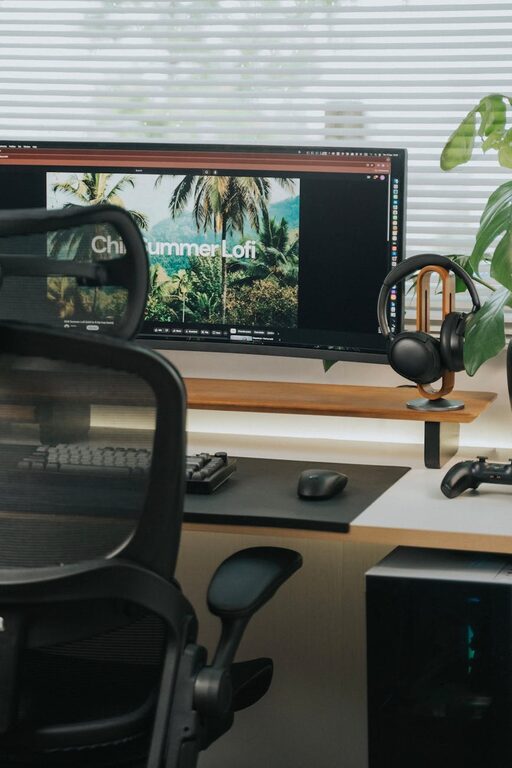
– Minimise noise: Consider noise-cancelling headphones or soft furnishings like rugs and curtains to reduce sound disruptions.
Invest in Ergonomic Furniture
Comfort is key to staying productive during long working hours. Ergonomic furniture supports good posture and reduces strain.
– Office chair: Choose a chair with adjustable height, lumbar support, and comfortable padding.
– Desk height: Ensure your desk allows you to keep your arms at a 90-degree angle when typing.
– Screen position: Place your computer screen at eye level, about an arm’s length away, to avoid neck strain.
Keep Your Workspace Organised
A tidy and organised desk reduces stress and makes it easier to find what you need.
– Declutter regularly: Remove unnecessary items from your desk daily.
– Storage solutions: Use shelves, drawers, and organisers to store documents and supplies neatly.
– Cable management: Use clips or sleeves to keep cords untangled and out of the way.
Utilise Effective Lighting
Good lighting is important not only for reducing eye strain but also for creating an inviting workspace.
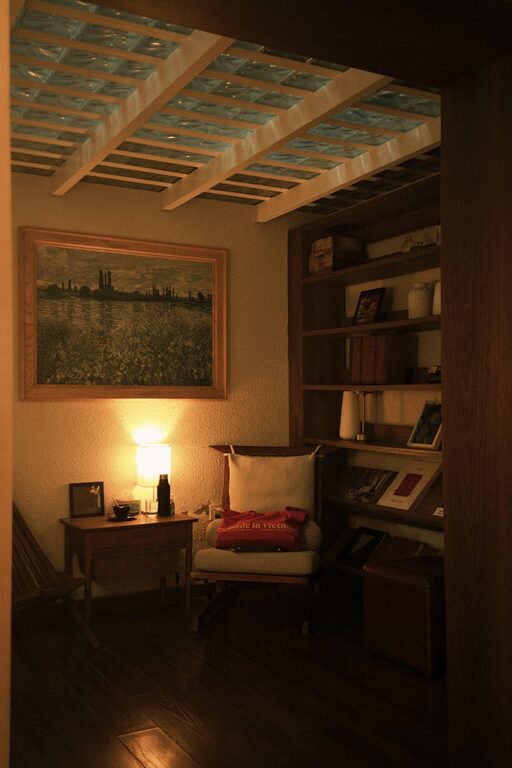
– Task lighting: Use desk lamps to brighten your immediate work area.
– Adjustable lighting: Choose lighting options with adjustable brightness and colour temperature to suit different tasks and times of day.
– Avoid glare: Position screens and lights to prevent reflections.
Create a Routine and Set Boundaries
Maintaining a consistent work routine helps to keep productivity up.
– Set working hours: Define and stick to regular working hours to maintain work-life balance.
– Breaks: Take short breaks throughout the day to rest your eyes and stretch your body.
– Minimise distractions: Inform family or housemates of your schedule and use do-not-disturb signals when necessary.
Personalise Your Space
Adding small personal touches can make your office feel welcoming and motivating.
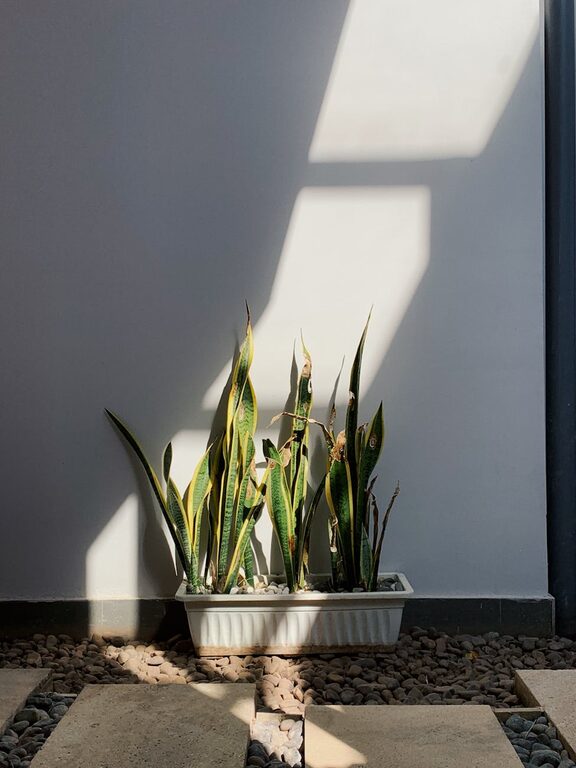
– Plants: Indoor plants improve air quality and create a calming atmosphere.
– Artwork: Display inspirational quotes or artwork that lifts your spirits.
– Comfort items: Keep a cosy blanket, cushions, or a favourite mug nearby.
Use Technology to Your Advantage
Organising your digital workflow is as important as organising your physical space.
– Reliable internet: Ensure you have a strong internet connection.
– Software tools: Use apps for task management, communication, and scheduling.
– Backup: Regularly back up your work files to avoid data loss.
Maintain Good Air Quality
Your physical health affects your productivity, so consider air quality in your home office.
– Ventilation: Open windows regularly to let in fresh air.
– Air purifiers: Use air purifiers if necessary to reduce allergens and pollutants.
– Humidity: Keep humidity levels balanced to prevent dryness or dampness.
Incorporate Movement and Exercise
Sitting for long periods can decrease productivity and harm your health.
– Standing desk: Consider a sit-stand desk to alternate between sitting and standing.
– Stretch breaks: Incorporate simple stretches or short walks into your daily routine.
– Exercise equipment: Keep light weights or resistance bands nearby for quick workouts.
Evaluate and Adapt Your Setup
A productive office environment is not set in stone; it should evolve with your needs.
– Regular reviews: Assess your workspace every few months and make adjustments.
– Feedback: If you share your office, ask for feedback and collaborate on improvements.
– Experiment: Try different layouts or tools to find what works best for you.
—
By following these tips, you can create a home office environment that supports focus, comfort, and efficiency. Remember, the key is balancing a well-organised, ergonomic setup with personal touches and good habits to maintain productivity and wellbeing.